- Platforms
- iOS 15.0 or later, Android
- Category
- Personalisation · Accessibility
- SOS
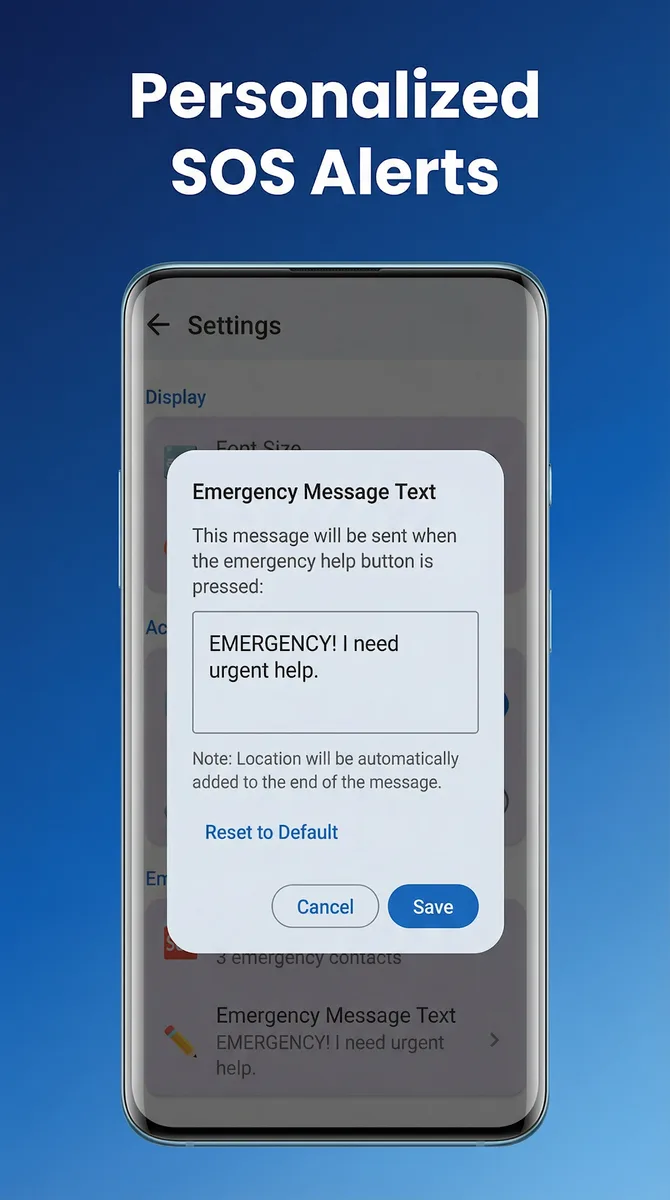
- Confirmation, then a message with location via the phone’s own messaging app
- Emergency contact
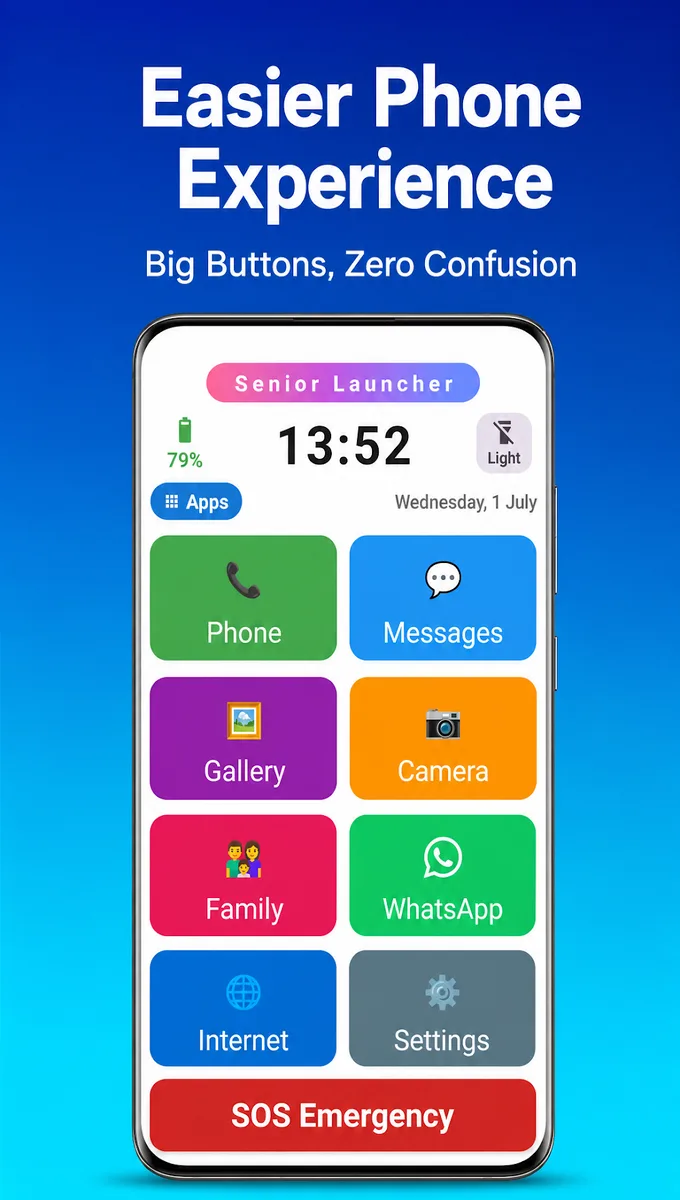
- One pinned contact on a large red home-screen button
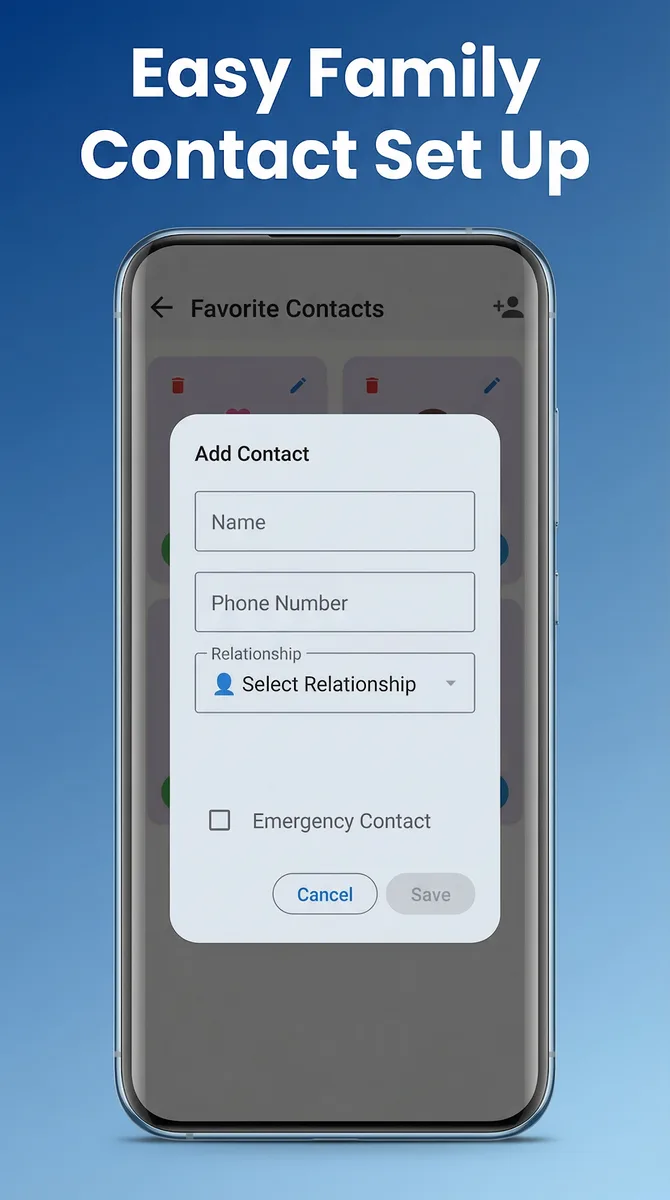
- Contacts
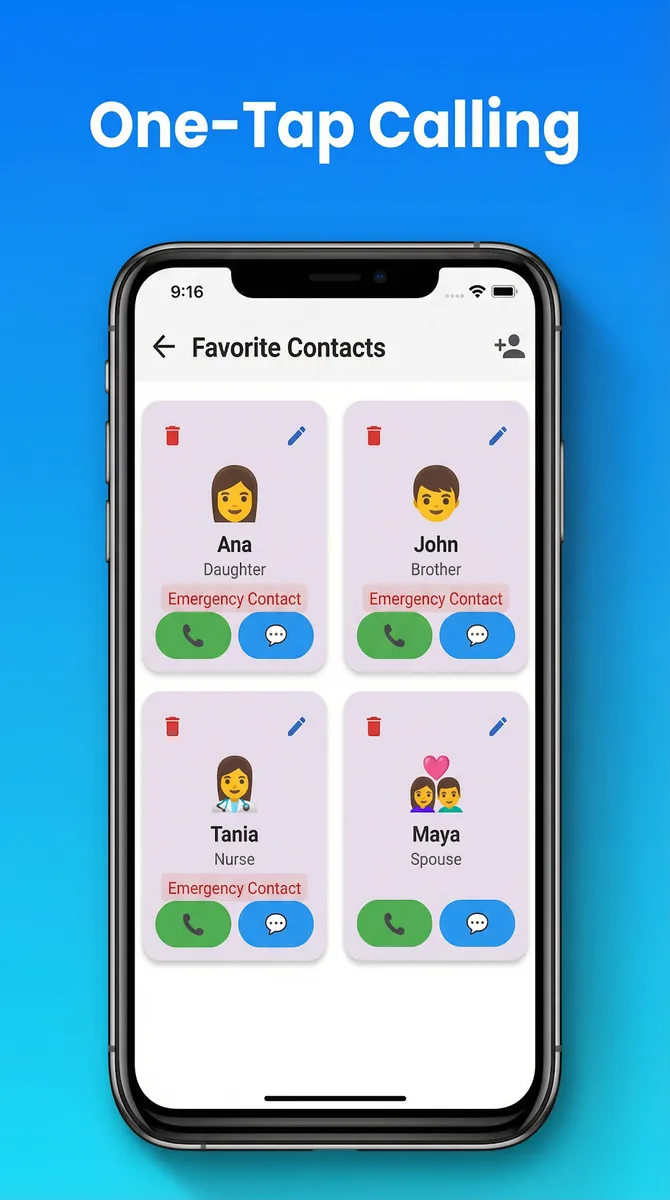
- Favourites labelled by relationship; call, text or WhatsApp in one tap
- Reminders
- Once, daily, or on a chosen weekday
- Medical card
- Blood type, allergies, conditions, medications, date of birth, doctor’s number
- Home-screen tools
- Flashlight, internet, battery level
- Text size
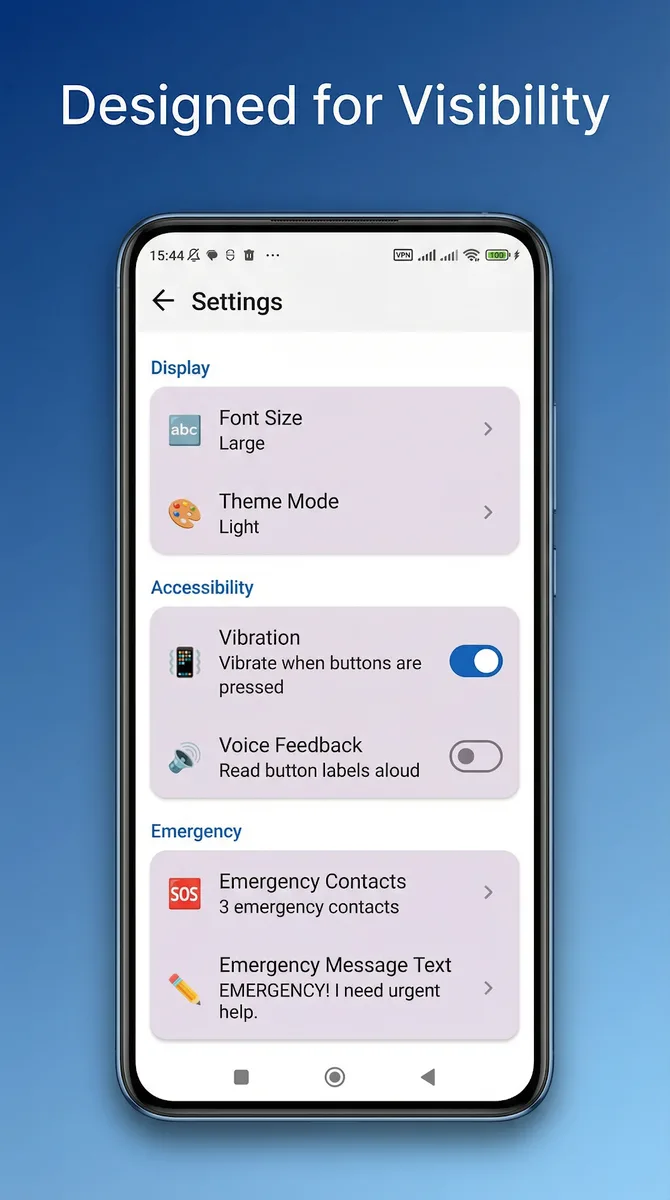
- Medium, Large, Extra Large
- Themes
- High contrast, light, dark
- Subscription
- None — SOS uses the phone’s own messaging