Talk it out
Type or speak your problem and walk through it line by line.
Live on App Store & Google Play
The age-old trick works: explain your problem out loud, step by step, and the answer often appears before you finish talking. Quack gives you a duck that listens — with zero judgment, no internet and no account.
Why Quack
Articulating a problem forces you to slow down, check your assumptions and spot the flawed step.
Type or speak your problem and walk through it line by line.
Explain bugs hands-free while your hands stay on the keyboard.
Your words are processed on your device. Nothing is stored or sent to a server.
Open the app and start debugging in seconds.
Think on a plane, on the train, anywhere.
Structured prompts to walk a problem down when you do not know where to start.
Screenshots
Three screens from the app.
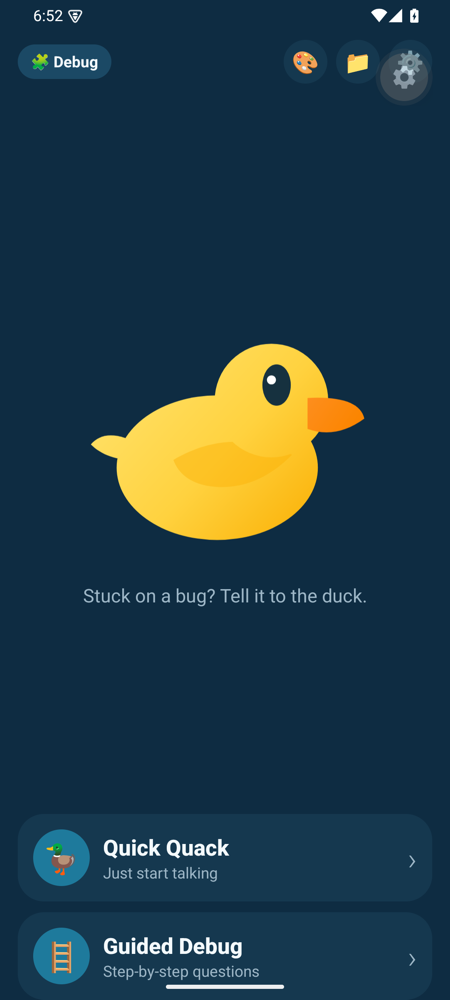
Start a session by typing or by voice.
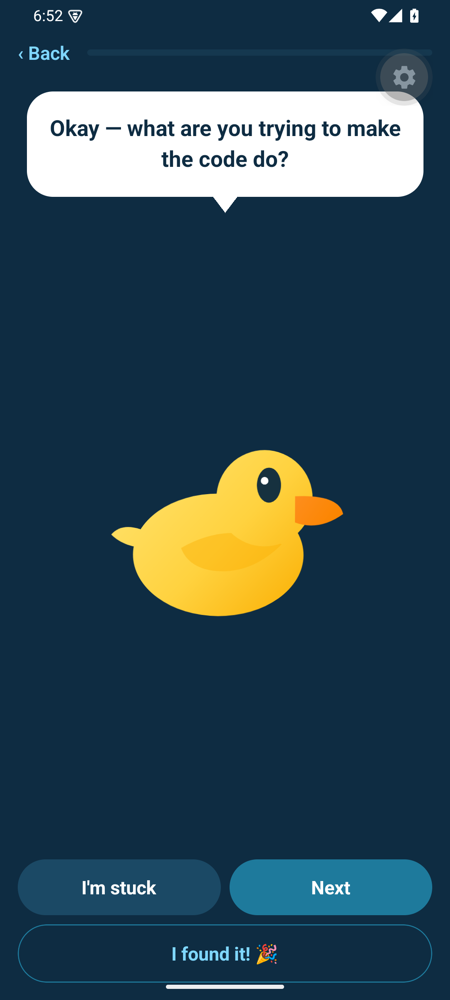
Walk the problem down, one step at a time.
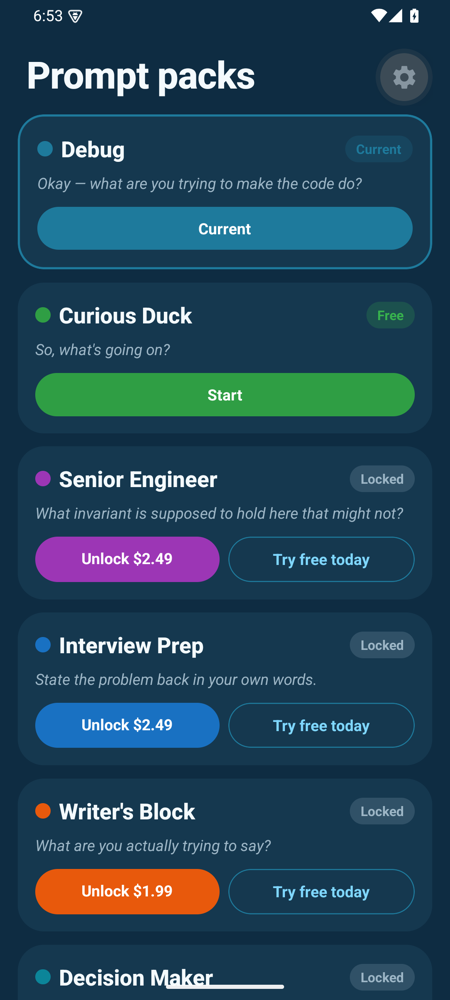
Structured prompts for when you do not know where to start.
Specifications
FAQ
A proven technique used by developers everywhere: you explain your problem out loud, step by step, and articulating it forces you to slow down, check your assumptions and spot the flawed step.
No. Your words are processed on your device — nothing is stored or sent to a server.
Yes. Voice mode lets you explain a bug while your hands stay on the keyboard.
No account and no sign-up. Open the app and start.
Yes.
Pricing
Free to use, with an optional one-time purchase to remove ads.
Free to download. No account needed.