Five shapes, not one
€49,99 · 49,99 € · 1 299 kr · RM 89.90 · 250 USD · USD 89.50 · 49 dollars · ₫250000. And all three ways the world groups numbers: 1,234.56, 1.234,56 and 1 234,56.
For Safari on macOS
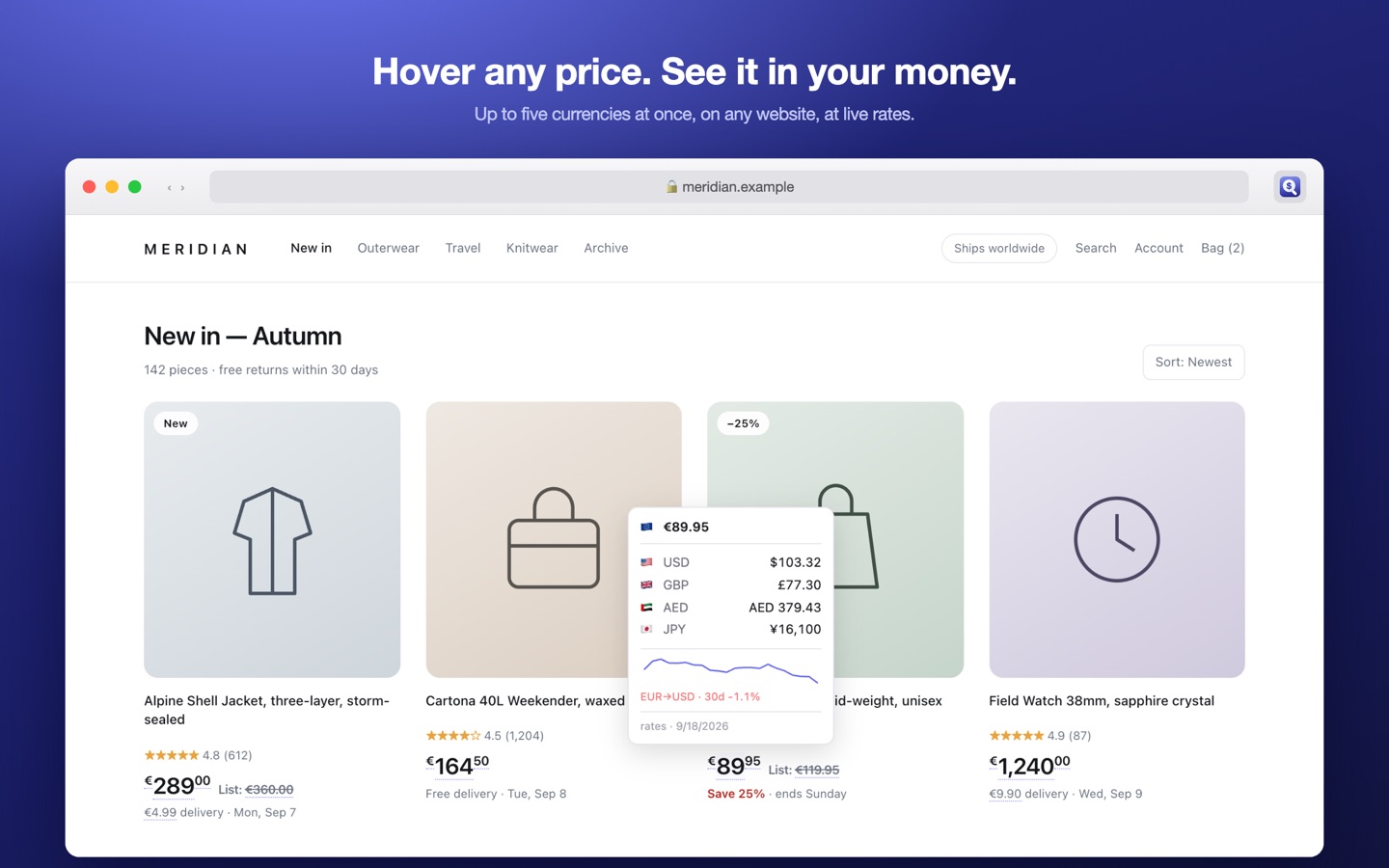
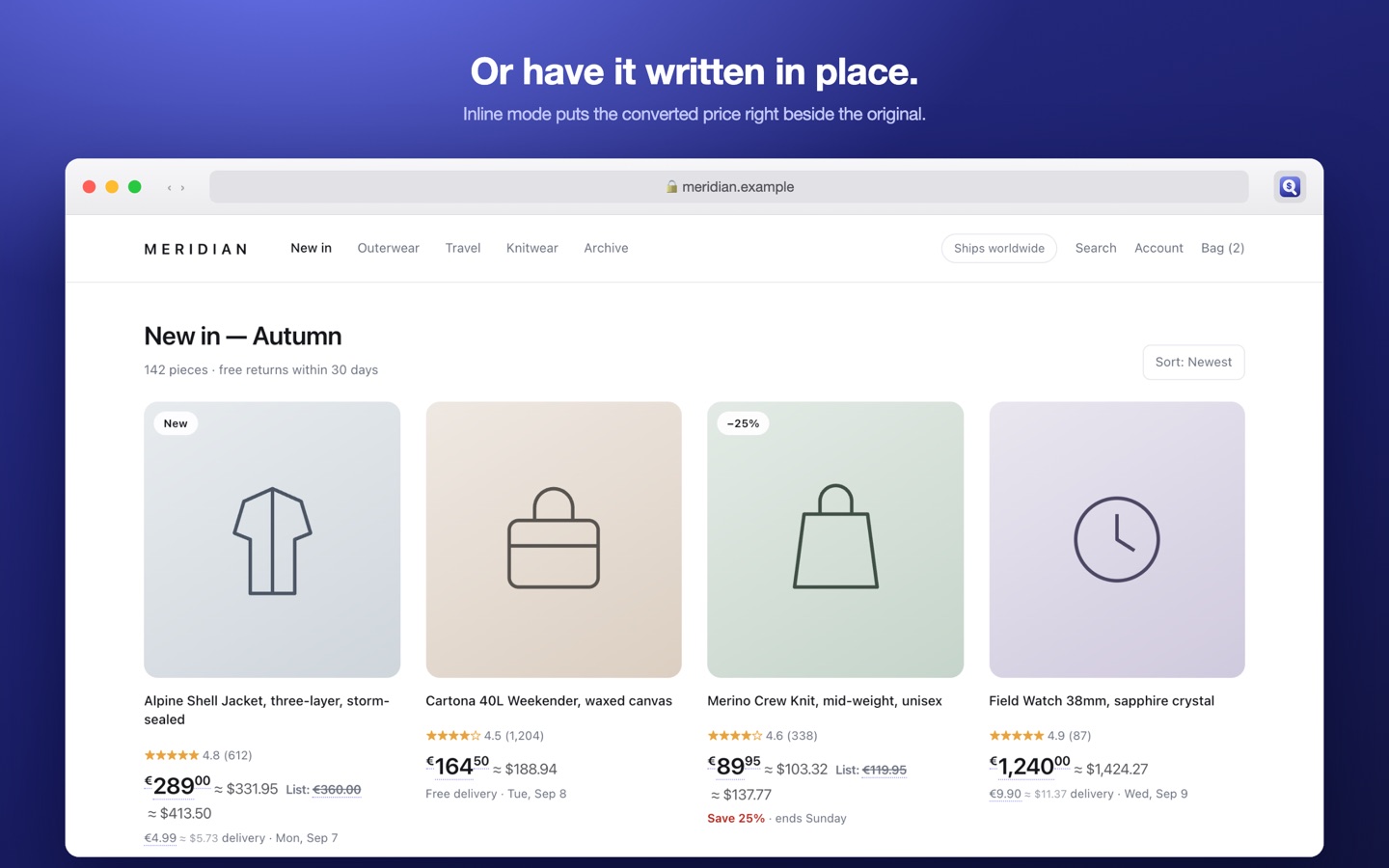
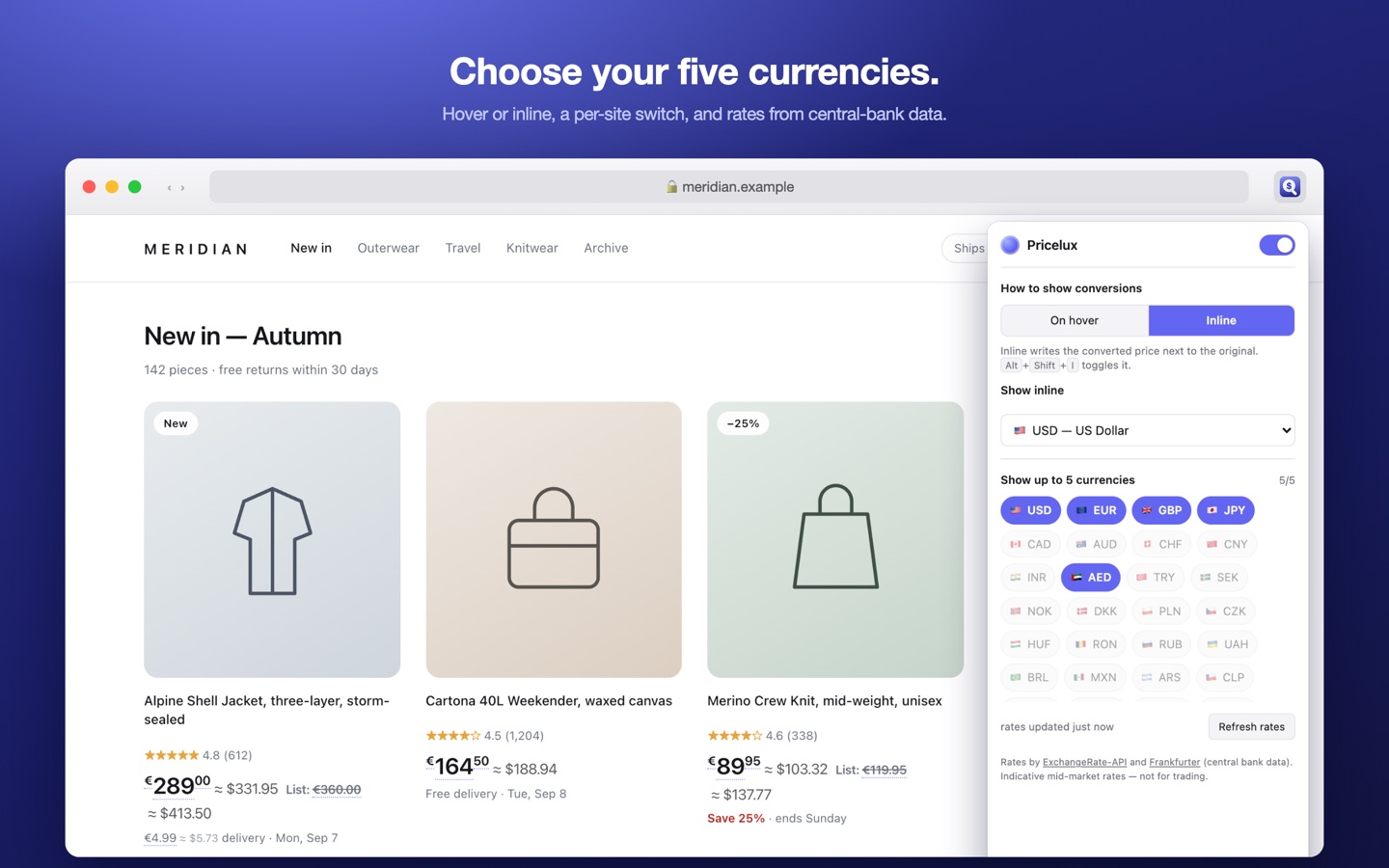
Hover any price on any website and Pricelux reads it back in up to five currencies you choose — or writes the conversion in place, right beside the original. It works out what a bare $ means on the page you are actually on, and it can add the fee your bank charges abroad, because the mid-market rate is never what leaves your account.

€49,99 · 49,99 € · 1 299 kr · RM 89.90 · 250 USD · USD 89.50 · 49 dollars · ₫250000. And all three ways the world groups numbers: 1,234.56, 1.234,56 and 1 234,56.
Far more than it offers in the picker, on purpose: a price written in a currency you have not chosen still has to be found before it can be converted.
A bare $ on a Canadian store means Canadian dollars. Pricelux reads the page's own price data, its Open Graph tags and its domain before falling back to your preference. Nothing to configure.
Enter the markup your card adds to foreign purchases — most charge 1.5–3% — and every conversion includes it. The tooltip footer says so, so you never mistake it for the mid-market rate.
A small chart in the tooltip shows whether the rate has moved for or against you this month, using European Central Bank data.
No account, no analytics, no tracking. The pages you visit and the prices you hover never leave your Mac.
Pricelux works inside Safari only. It does not convert prices in other apps, and it does not work in Chrome or Firefox — those have their own build. It also cannot read a price that is drawn as an image or in a canvas, because there is no text there to find.
Requires macOS 14 or later. After installing, open Pricelux once, then tick it under Safari → Settings → Extensions and choose Allow on Every Website — Safari grants nothing by default, so no price converts until you do.
Current rates come from ExchangeRate-API, with Frankfurter — European Central Bank reference rates — as the fallback and as the source of the thirty-day chart. Rates are refreshed at most twice a day and cached on your Mac, so the app keeps working offline. If both sources are unreachable the last known rates are kept and the tooltip marks them as possibly out of date.
These are indicative mid-market rates. They are not a trading quote, and your bank's rate on the day will differ — which is what the fee setting is for.