Ads
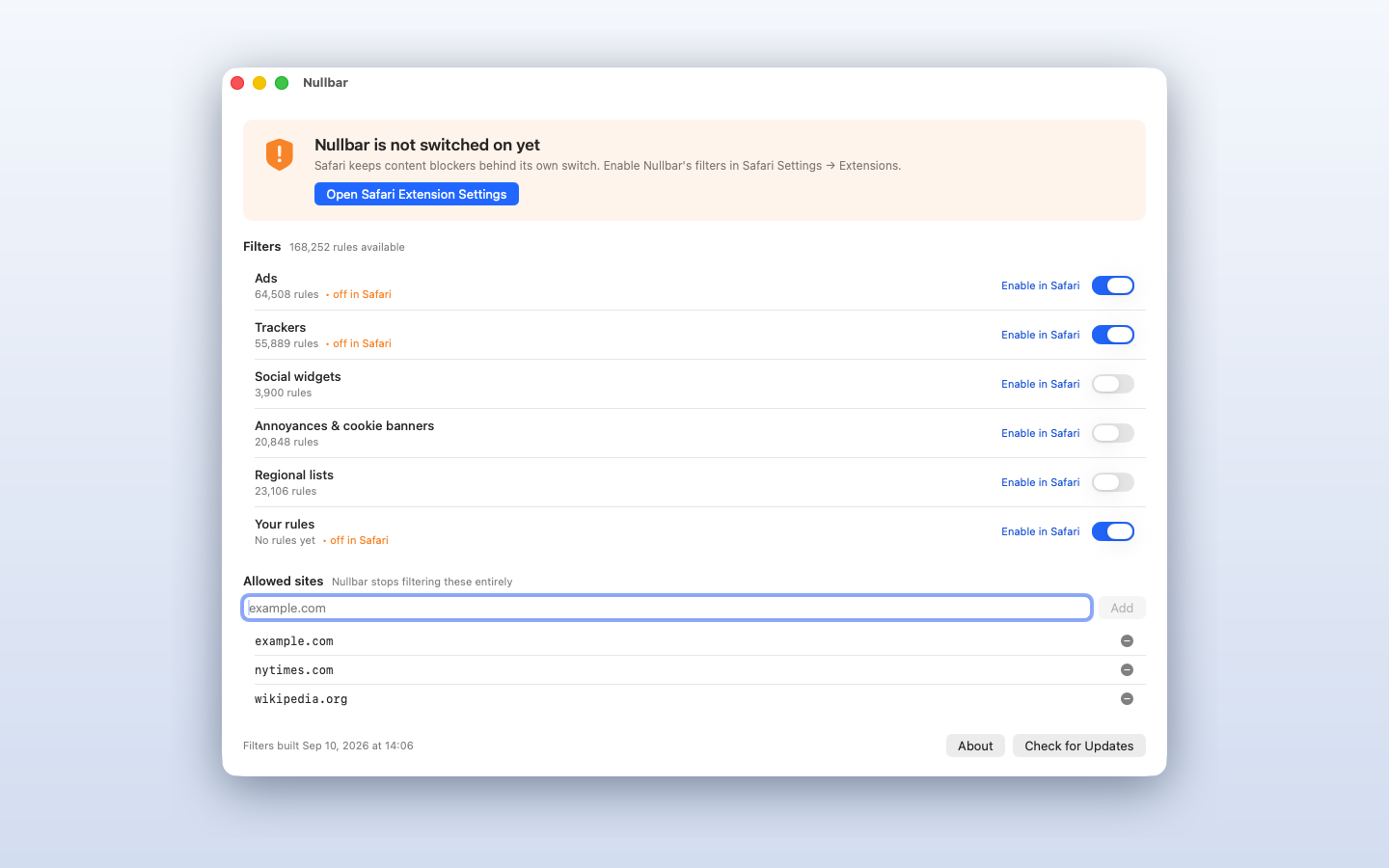
More than 64,000 rules from EasyList, converted to Safari's own rule format. On by default.
For Safari on macOS
Nullbar hands Safari a set of blocking rules and then steps out of the way. Safari compiles the rules and applies them inside its own engine, so no code of ours runs while you browse — which is exactly why Nullbar cannot see a single page you open.

More than 64,000 rules from EasyList, converted to Safari's own rule format. On by default.
Close to 56,000 EasyPrivacy rules that stop analytics and tracking requests before they leave your Mac. On by default.
Three more lists for the things that are a matter of taste rather than necessity. Off until you switch them on.
Add blocking rules of your own and they are compiled alongside the rest.
Allow any site with one click. The exception reaches all six blockers, so the page loads exactly as its authors intended.
No account, no telemetry, no network calls beyond fetching filter list updates.
Nullbar works inside Safari only. It does not block ads inside other apps, and it does not work in Chrome or Firefox. This is a limit of how content blocking works on Apple's platforms, not a limit of this app — and we would rather say so here than have you find out after buying.
Requires macOS 14 or later. After installing, open Nullbar once, then enable its filters under Safari → Settings → Extensions.
Nullbar uses EasyList, EasyPrivacy, EasyList Cookie and Fanboy's lists under CC BY-SA 3.0, with thanks to the EasyList authors. Because that licence carries a ShareAlike term, the converted Safari rule files we ship are published at github.com/bekserviceltd.