Type a timer to start it
Enter “25m tea”, “at 3pm call” or “stopwatch” and press Return. Timepile uses the rest of your entry as the name.
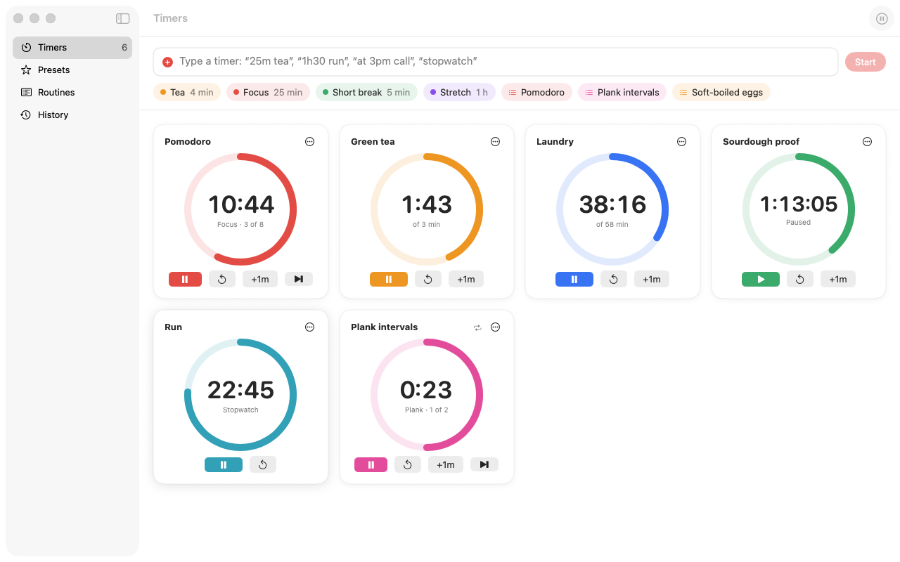
Start several timers or stopwatches and see them together in one window. The next countdown stays visible in your menu bar and on your Dock icon.
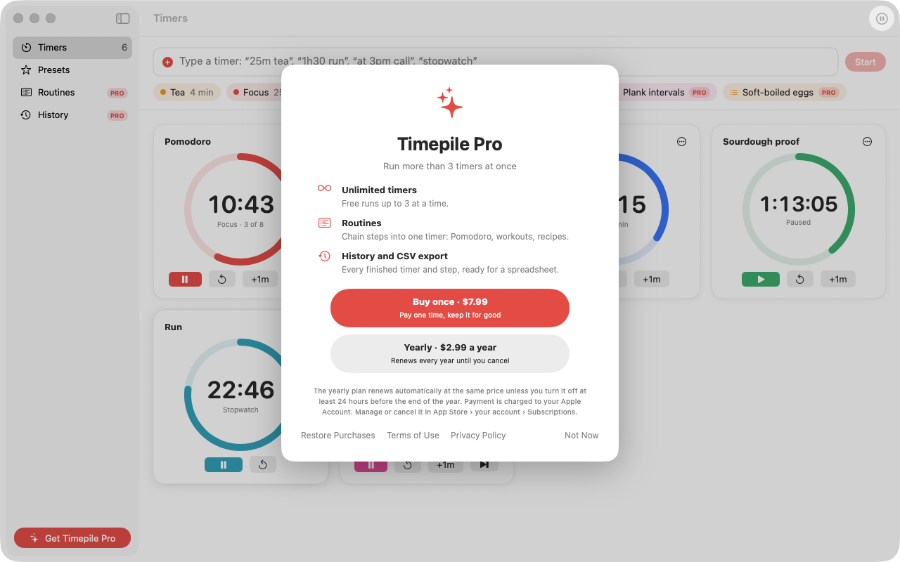
Enter “25m tea”, “at 3pm call” or “stopwatch” and press Return. Timepile uses the rest of your entry as the name.
Each timer has a card with a coloured progress ring. The next countdown appears in the menu bar and on the Dock icon.
Pause, reset, add a minute, change the colour or repeat a timer. Open any timer in its own large window.
Each timer ends with a notification and your chosen sound, even when the window is closed or the app is not running.
Create presets for things like tea, pasta or a focus session. Start one from the window or menu bar.
No account, ads or analytics. Your timers and history stay on your Mac.
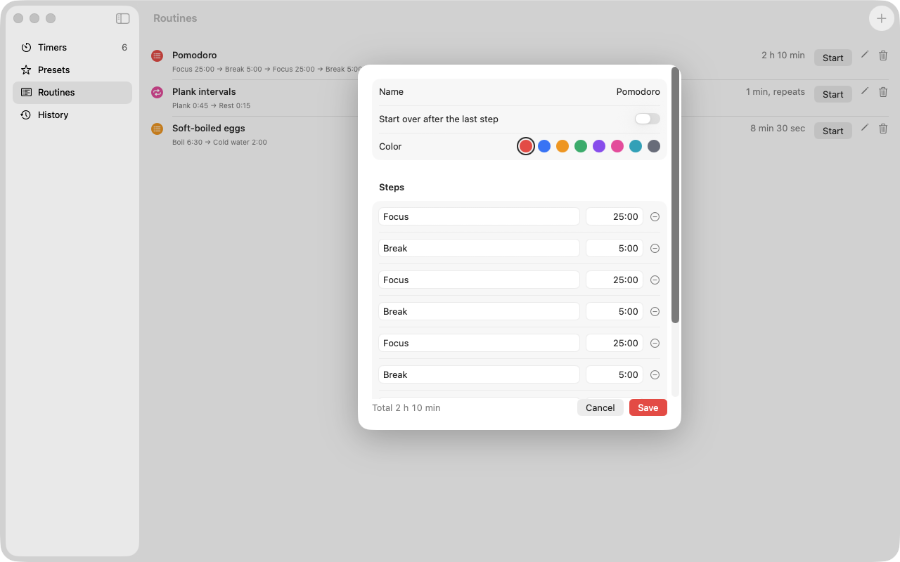
With Pro, chain steps into one timer for a focus session, workout or recipe. Each step alerts you, then the next starts automatically.
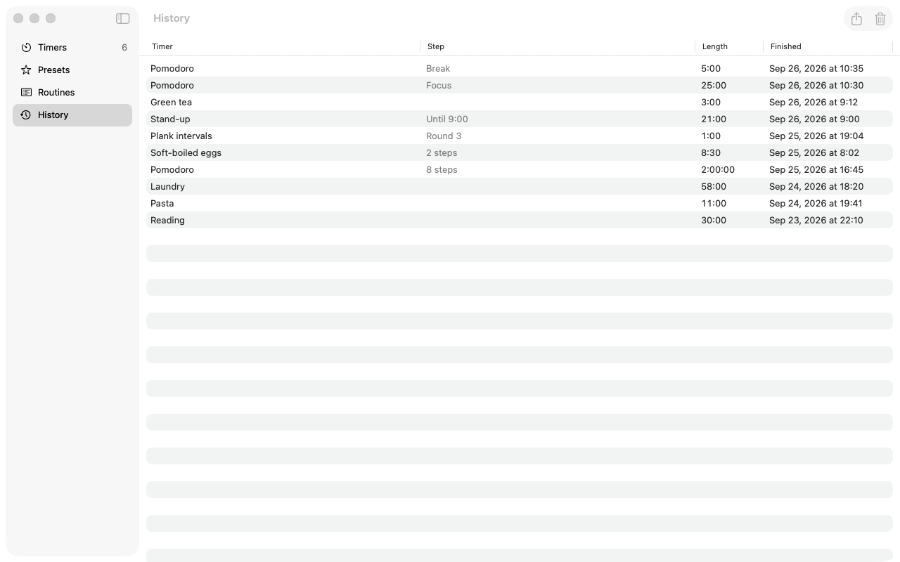
Pro records every timer and routine step you finish. Export your history as a CSV file for a spreadsheet.
Run up to 3 timers at once for free. Pro adds unlimited timers, routines and history through a one-off purchase or yearly subscription.