Open any folder
Browse photos on a memory card, external drive or in a folder. There is no import, copy or library to build.
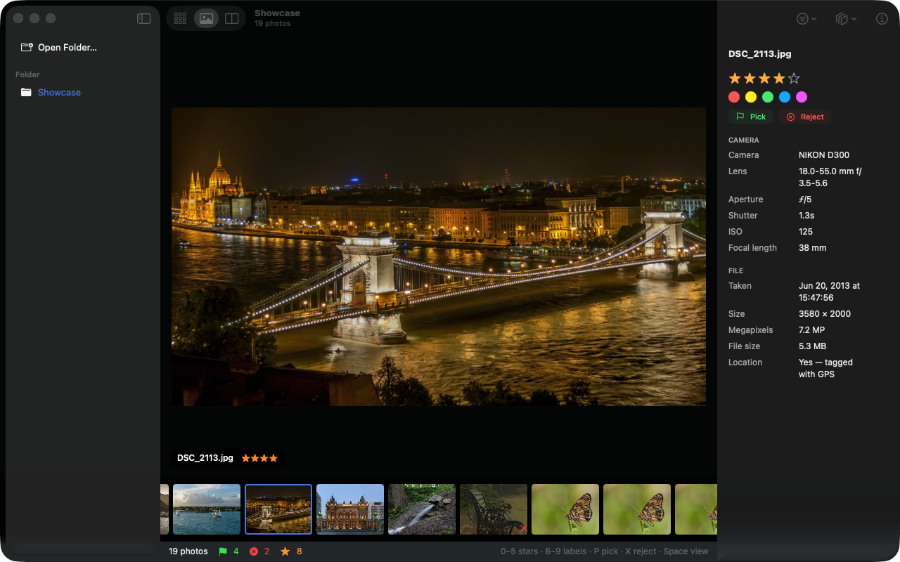
Open a folder, memory card or drive and start reviewing. Rawpick shows previews stored in RAW files, keeps your photos where they are, and saves ratings and flags beside them.
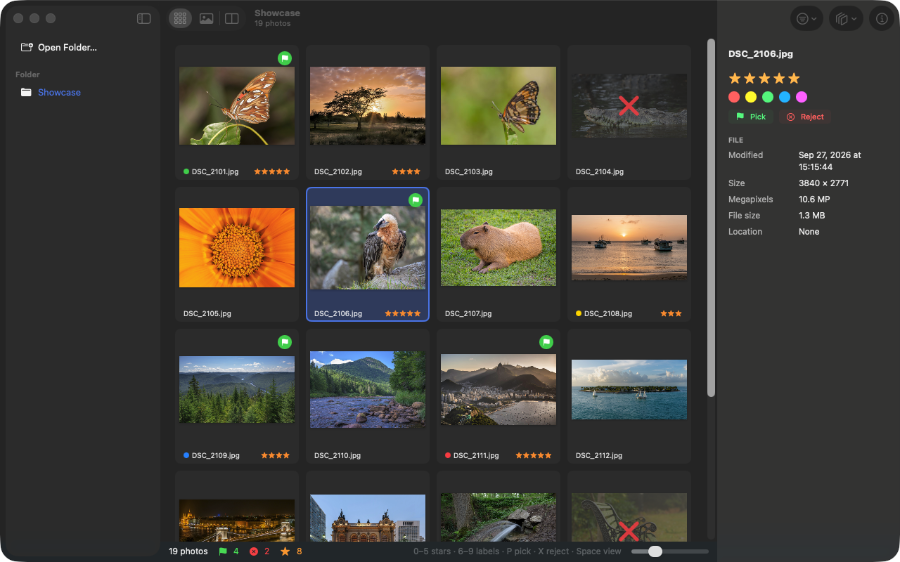
Browse photos on a memory card, external drive or in a folder. There is no import, copy or library to build.
Rawpick displays the preview stored inside each RAW file. It also opens DNG, JPEG, HEIC, PNG and TIFF, and shows a RAW and its JPEG twin as one photo.
Use number keys for stars and colour labels, P to pick, X to reject and U to clear a flag. Rawpick advances after each decision.
Stars, labels and rejects go into standard XMP sidecars beside your photos. Existing sidecar data is kept, and the photo files are unchanged.
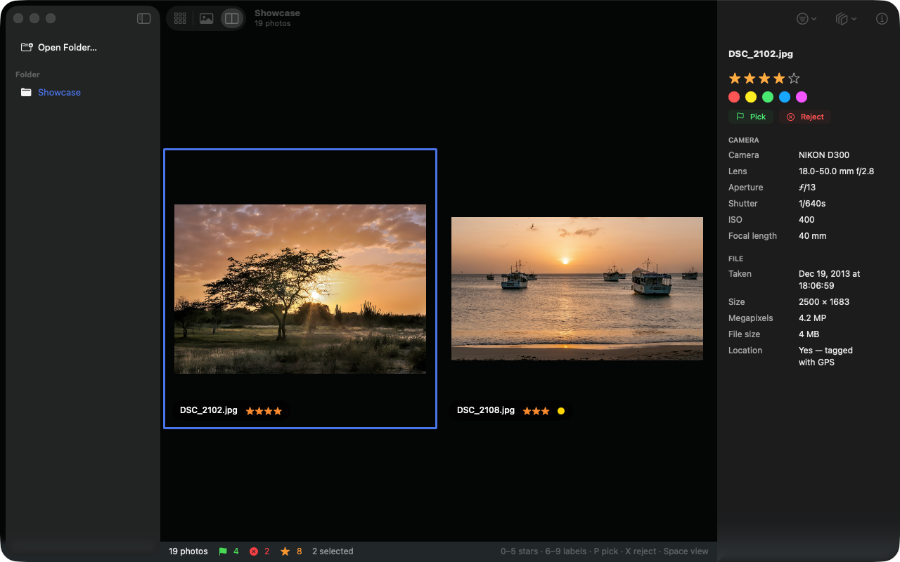
Show photos by star rating, pick status or colour label. Compare two to four frames side by side when you need a closer look.
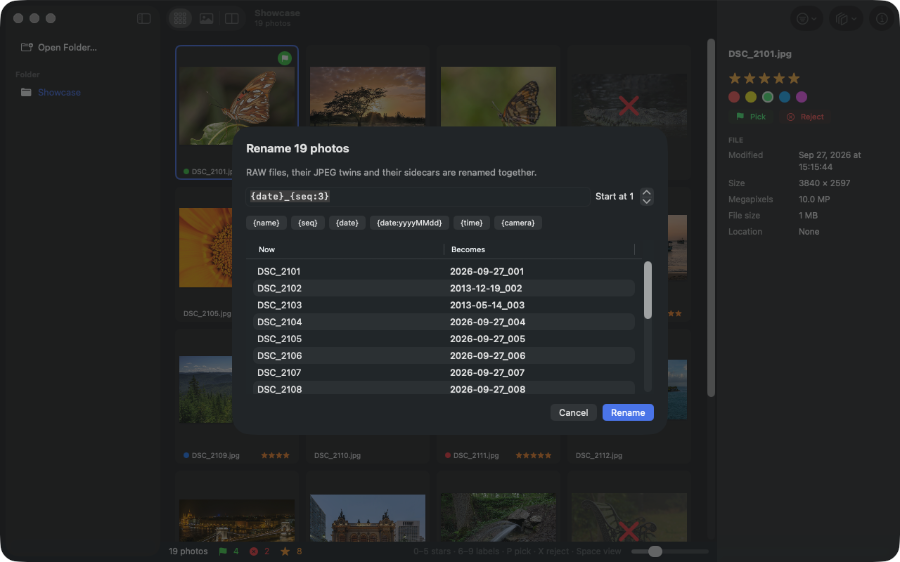
Rename, convert, copy or move photos, or send rejects to the Trash. Rename keeps RAW, JPEG and sidecar files together. Free batch jobs include up to 25 photos.
Convert photos to JPEG, HEIC, PNG or TIFF at your chosen size. You can remove location data from the converted files.
See the camera, lens, aperture, shutter speed, ISO, focal length, capture time, image size and location for the photo in front of you.
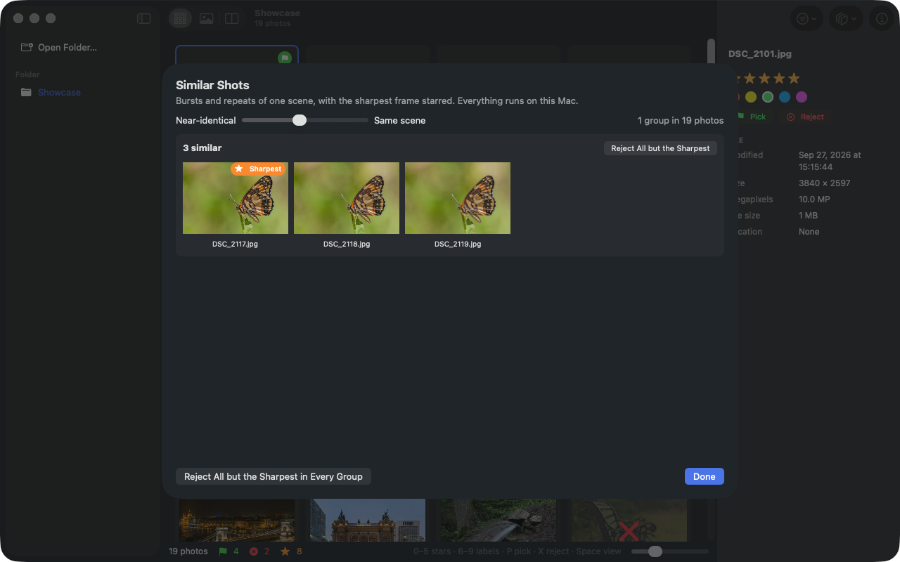
A one-time $7.99 purchase removes the batch size limit and adds Similar Shots, which groups repeated frames, marks the sharpest and can reject the rest in one click. It runs on your Mac.