Exact duplicates
Identical photos saved more than once — same file, same pixels. Prunely finds every copy so you can keep one and remove the rest.
Prunely scans your gallery on-device and groups exact duplicates, similar photos, screenshots, large videos, and blurry shots — so you can delete them in a few taps.
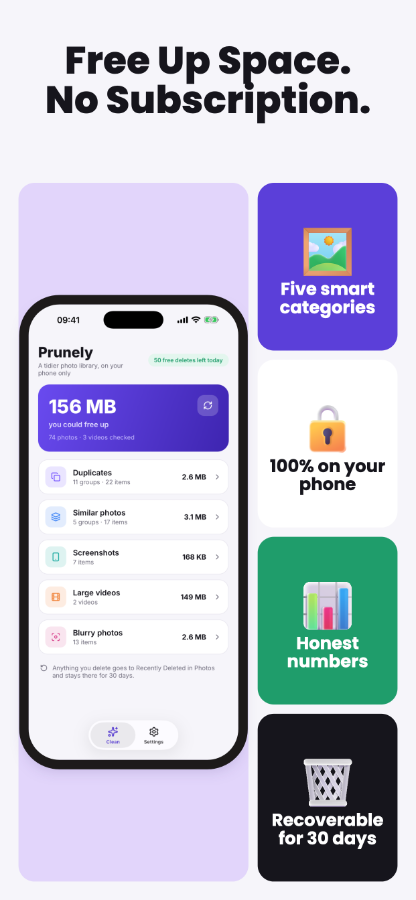
Identical photos saved more than once — same file, same pixels. Prunely finds every copy so you can keep one and remove the rest.
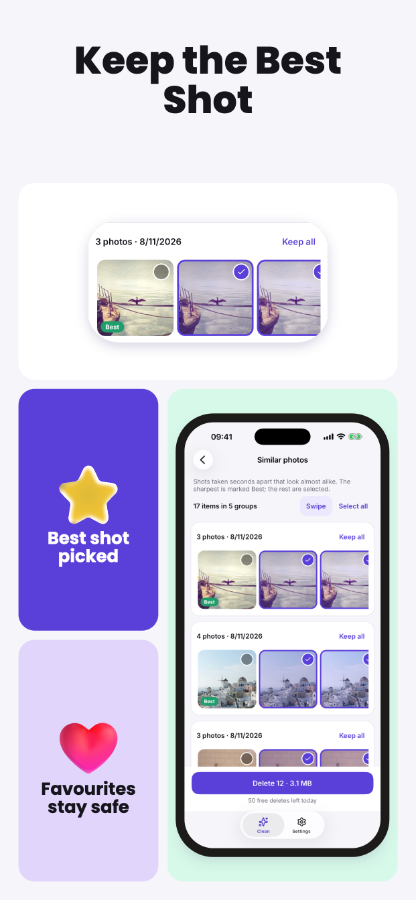
Burst shots, repeated angles, near-identical takes from a short time window. Prunely groups them visually and marks the sharpest shot as the keeper.
Screenshots accumulate quickly and rarely need to stay forever. Prunely collects them all in one group so you can review and clear them in bulk.
Videos take up the most space. Prunely surfaces your biggest video files for review. On iPhone, it can also compress videos to HEVC to free up space without deleting.
Out-of-focus shots you never meant to keep. Prunely scores each photo for sharpness and flags the ones that are not worth the storage.
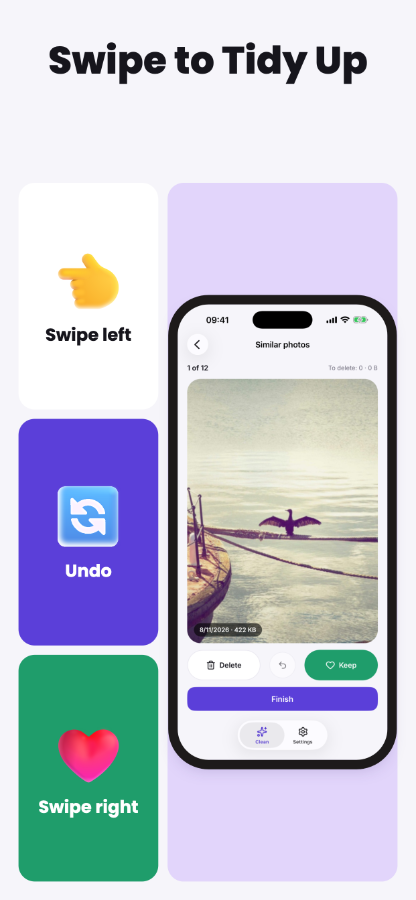
Work through each group quickly with a swipe. Made a mistake? Undo before you confirm, then send the batch to your system trash — not gone for good yet.


Prunely analyses small thumbnails locally. No photos leave your phone, no account is required. Results are stored in a private on-device database, keyed to each asset.
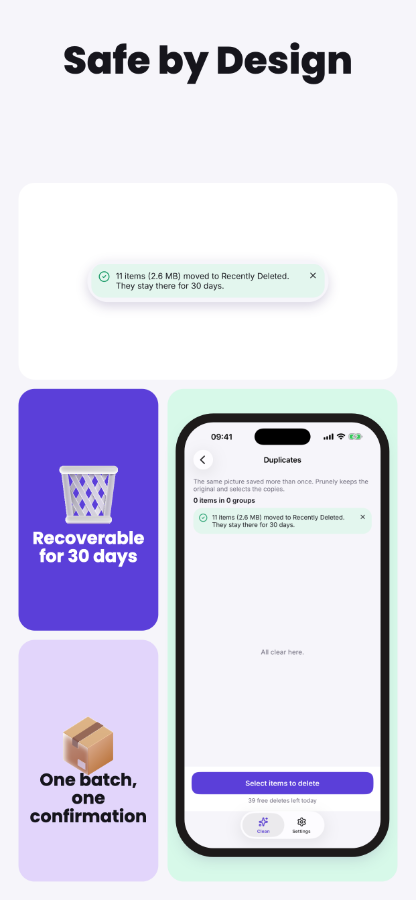
Deleted photos move to iOS Recently Deleted or the Android 11+ trash — not gone immediately. If you use iCloud Photos, deletions will sync across your devices as iCloud normally does.
Scanning and viewing all results are always free. You get 50 deletes per day at no cost — watch a short rewarded ad for 50 more. Upgrade to Pro for $7.99 once: unlimited deletes, no ads, no subscription ever.