One library per machine
Store settings by machine, material, thickness and operation: engrave, score, cut, fill or photo. Search and filter by machine, material or operation.
Kerfbook is the settings notebook for diode, CO2 and fibre lasers. Keep the power, speed and passes behind every good burn, and stop wasting material on guesswork.
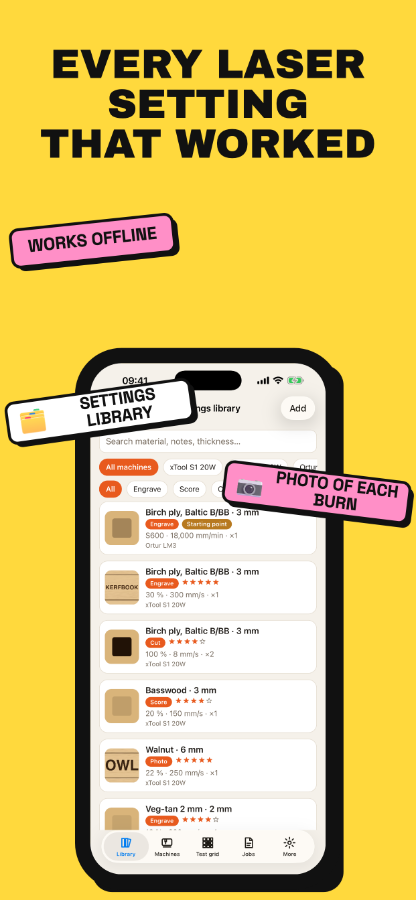
Store settings by machine, material, thickness and operation: engrave, score, cut, fill or photo. Search and filter by machine, material or operation.
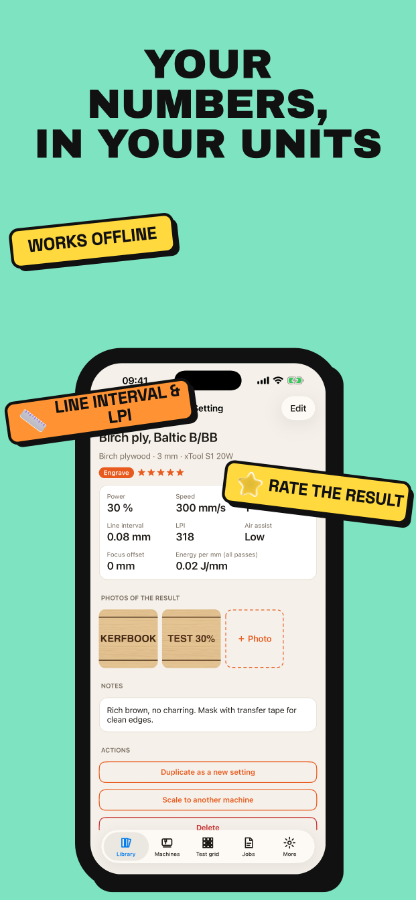
Power, min power, speed, passes, line interval or LPI, air assist, focus offset, notes and a star rating, in your software's units: percent or S-value, mm/s or mm/min.
Add a photo to each setting, so you can see what 30% at 300 mm/s actually looks like on birch ply.
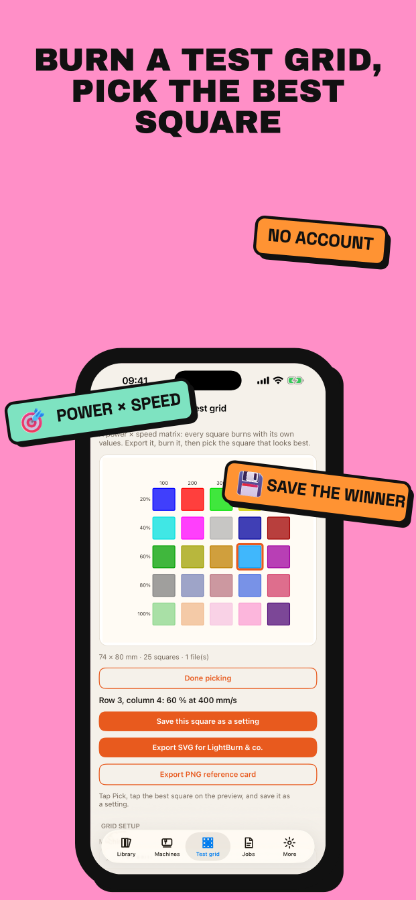
Build a power × speed matrix and export a true-size SVG with one layer colour per square, ready for your laser software. After the burn, tap the best square to save it as a setting.
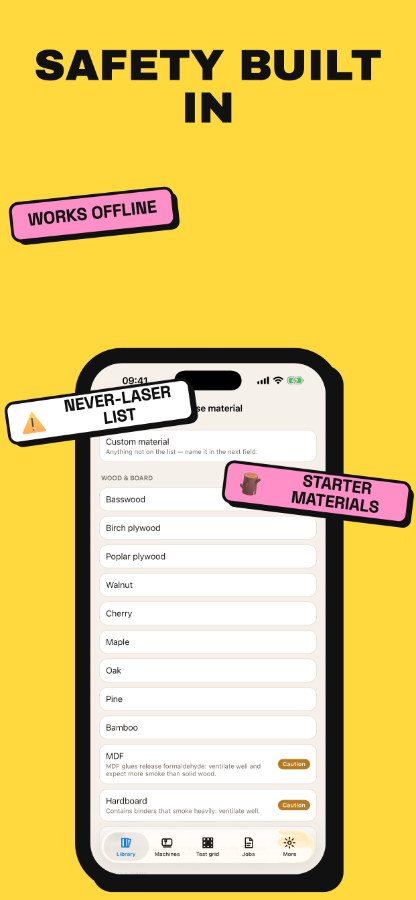
PVC, vinyl, faux leather, ABS, polycarbonate, PTFE and fibreglass are flagged 'never laser', and Kerfbook refuses to store settings for them. Starter materials come with practical cautions.
Everything stays on your phone, with no account and no cloud. Kerfbook is a notebook: it never connects to or controls your laser.
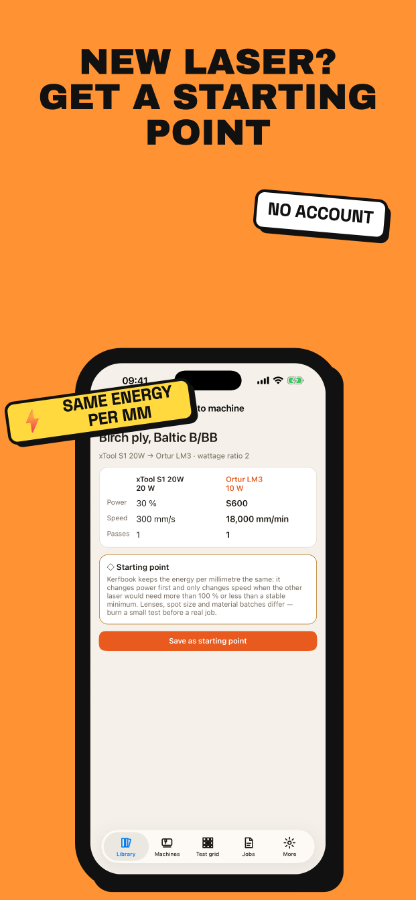
Scale any setting to another machine by wattage ratio, keeping the energy per millimetre the same. It respects 100% power and the machine's maximum speed, and is saved as a clearly marked starting point to test on scrap.
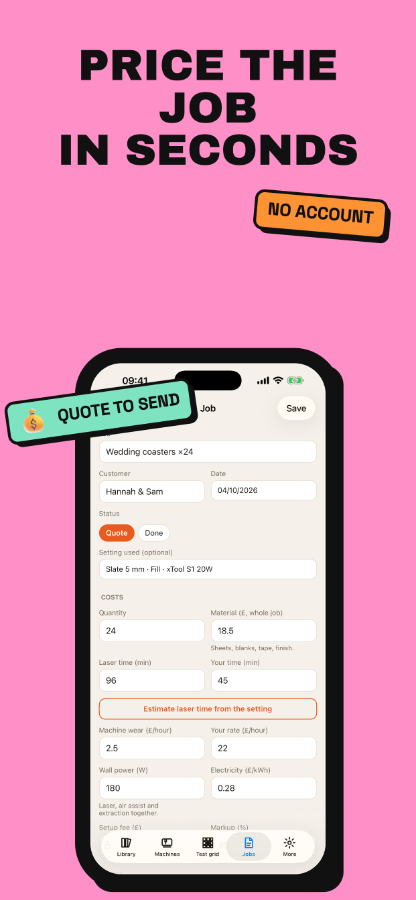
Add up material, laser time, your time, machine wear, electricity, setup fee and markup into a price and a price per item. Send a clean quote by message or email and keep a job log with photos.
Free includes 1 machine, 15 settings and 5 × 5 test grids, with ads. Pro is a single one-time purchase: unlimited machines and settings, 12 × 12 grids, scaling, quotes, CSV and JSON backup, a PDF settings sheet and no ads.