Automatic TV discovery
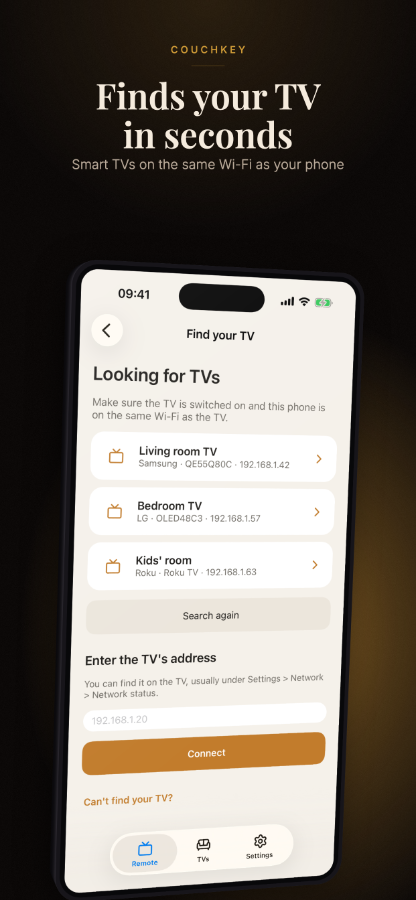
Finds Samsung Tizen (2016 and later), LG webOS and Roku TVs on your network using SSDP and mDNS. Add any TV by IP address if auto-discovery does not find it.
Couchkey connects to Samsung, LG and Roku TVs over your home Wi-Fi — no subscription, no account, no server required.
Finds Samsung Tizen (2016 and later), LG webOS and Roku TVs on your network using SSDP and mDNS. Add any TV by IP address if auto-discovery does not find it.
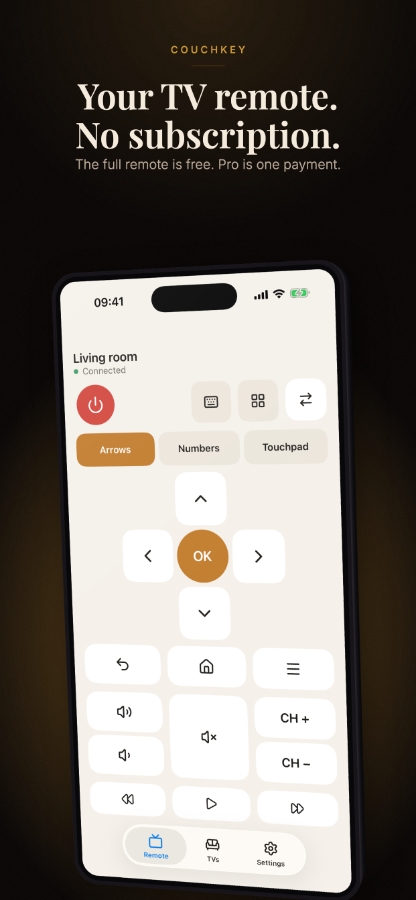
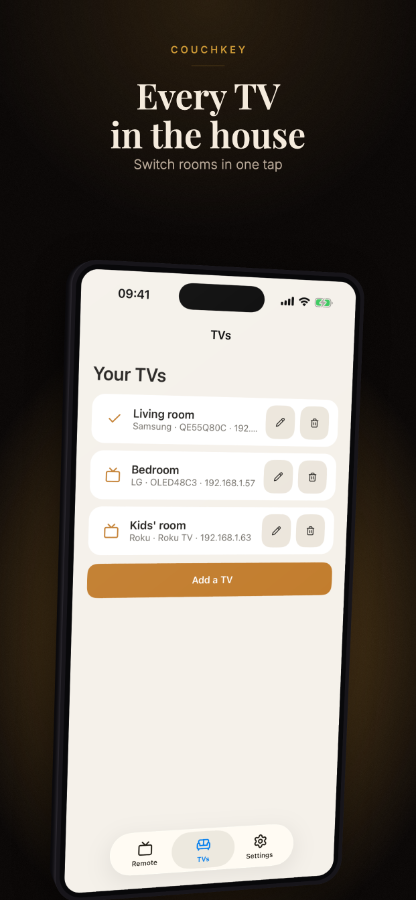
Power, volume, channel, D-pad, number keys and source switching are all in the free version. Switch between multiple TVs without paying anything.
Buttons are sized and spaced so you can reach the most-used controls with one thumb, without adjusting your grip.
The free remote never expires. The Pro upgrade is a single one-time purchase — you pay once and keep it.
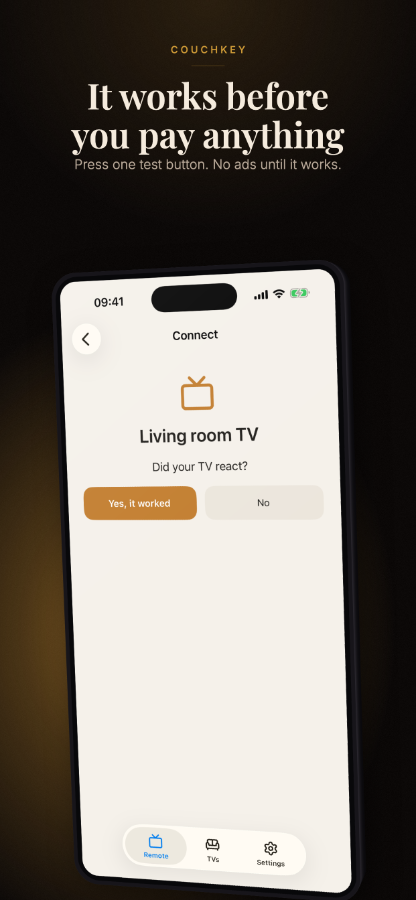
Handles Samsung token pairing and LG client-key authentication automatically so the TV recognises and trusts your phone.
Banner ads appear at the top of the screen and are never placed over or between the remote buttons.
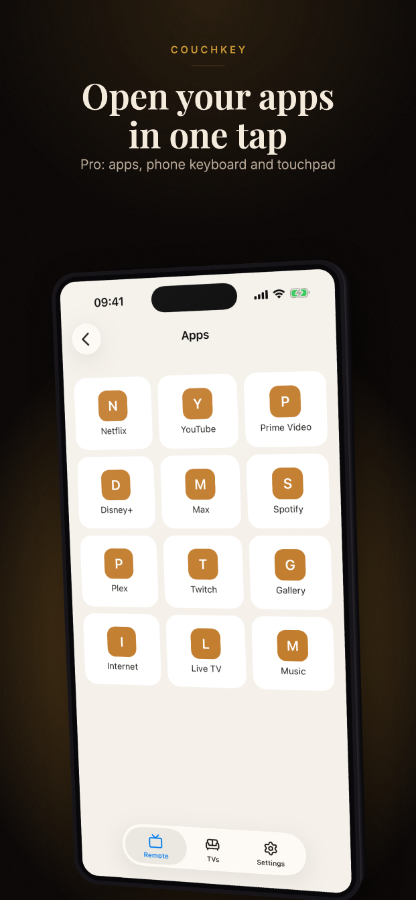
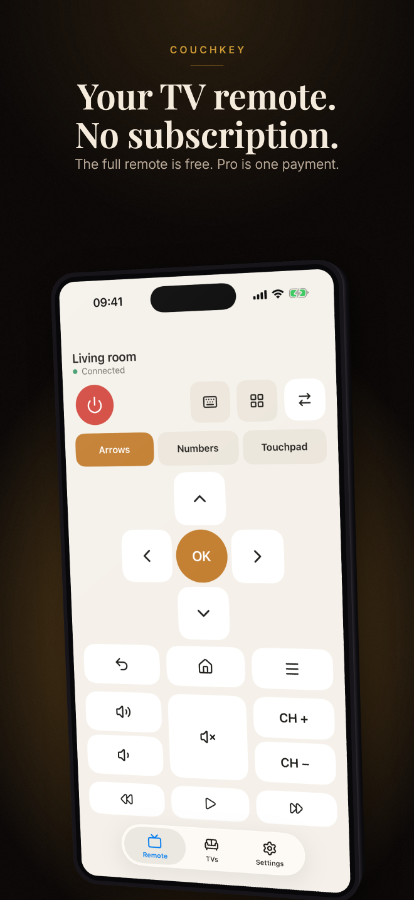
Unlock keyboard typing from your phone, quick-launch shortcuts for your installed apps, touchpad input, and — on Android — a home-screen widget and quick-settings tile.
Connects to Samsung Tizen TVs from 2016 onward, LG webOS TVs and Roku devices on the same Wi-Fi network. No hub, bridge or extra hardware needed.
Send a Wake-on-LAN packet to power on a compatible TV from standby without getting up.