One button to start
The player screen shows a single large Start button. Brightqueue advances to the next game automatically and plays a gentle spoken encouragement between each one.
Brightqueue gives caregivers a PIN-locked screen to arrange up to eight gentle games in any order. The older adult sees one large Start button, hears spoken instructions, and moves through the playlist at their own pace — no timers, no losing, no ads.
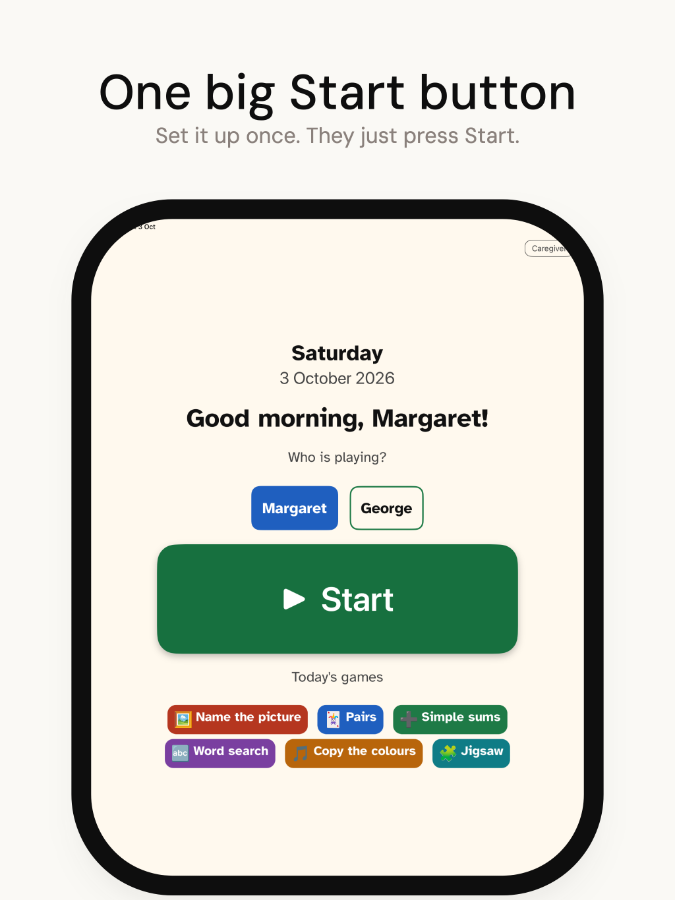
The player screen shows a single large Start button. Brightqueue advances to the next game automatically and plays a gentle spoken encouragement between each one.
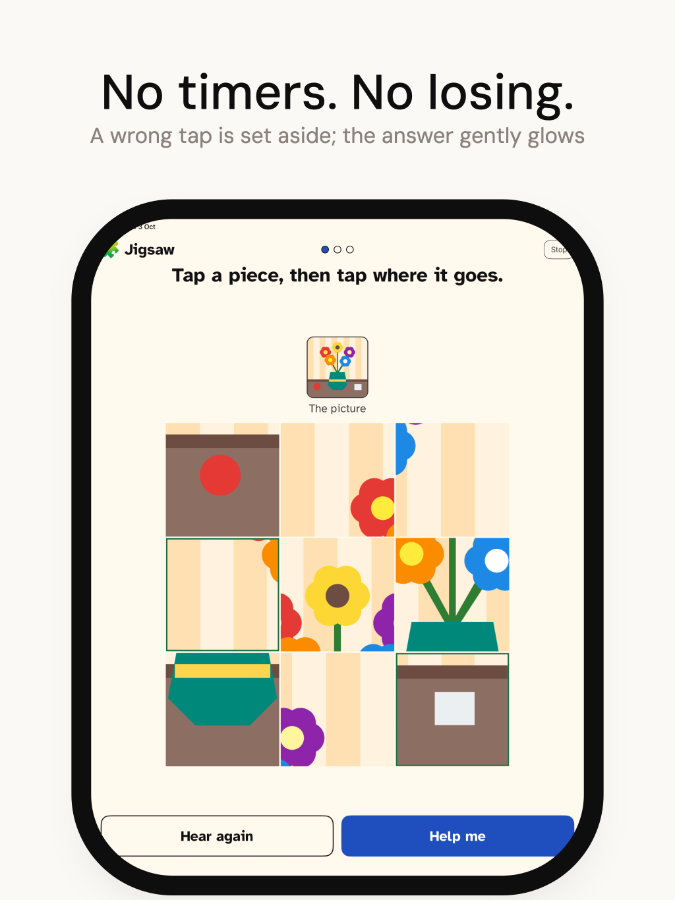
There are no countdown clocks, no scores that end a session, and no failure states. Every game continues until the player is ready to move on.
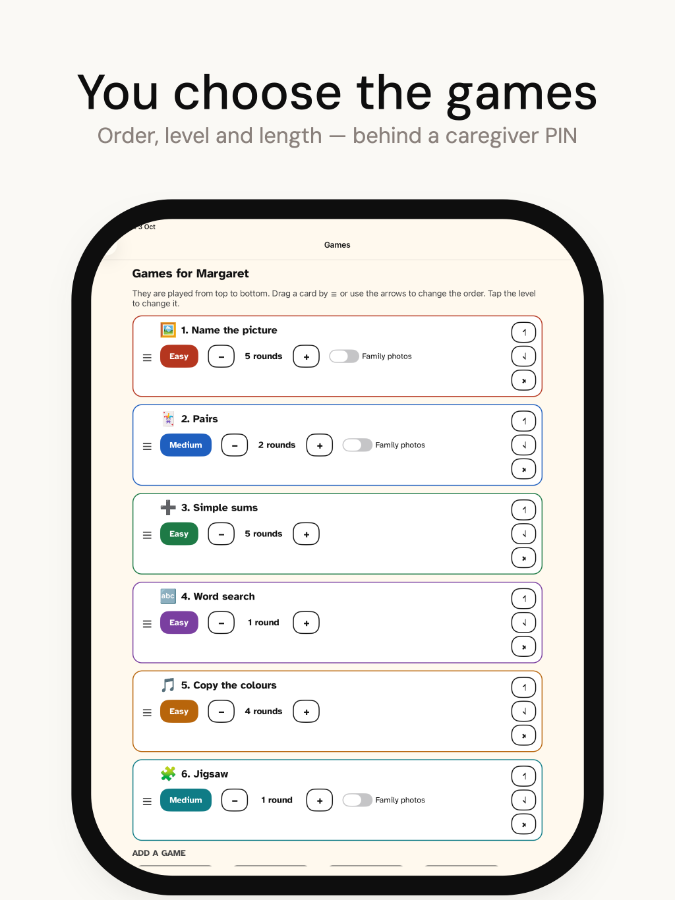
A PIN-locked setup screen lets you choose up to eight games, drag them into order, and set the difficulty and session length for each game individually.
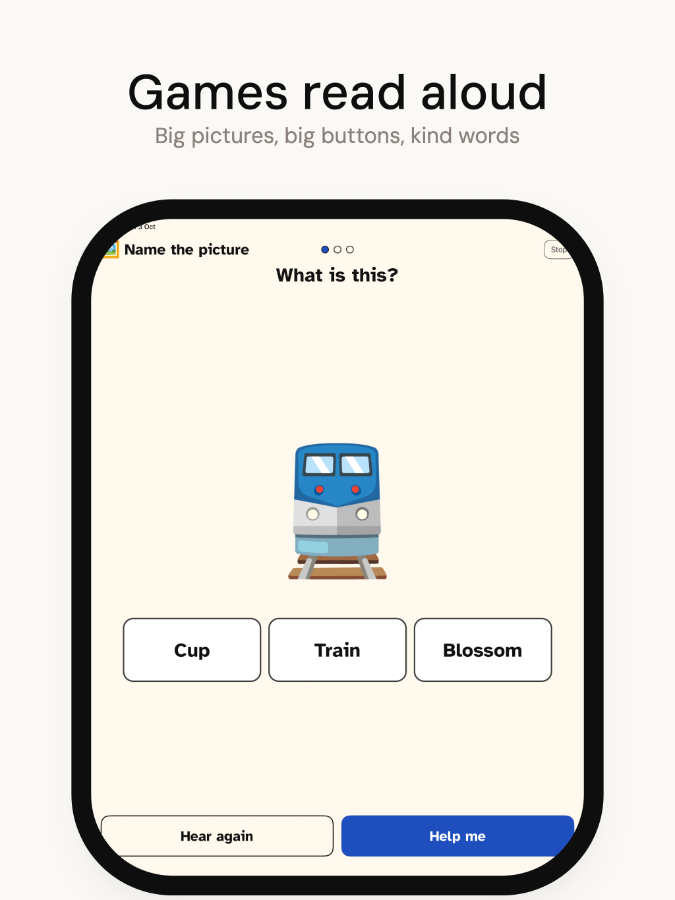
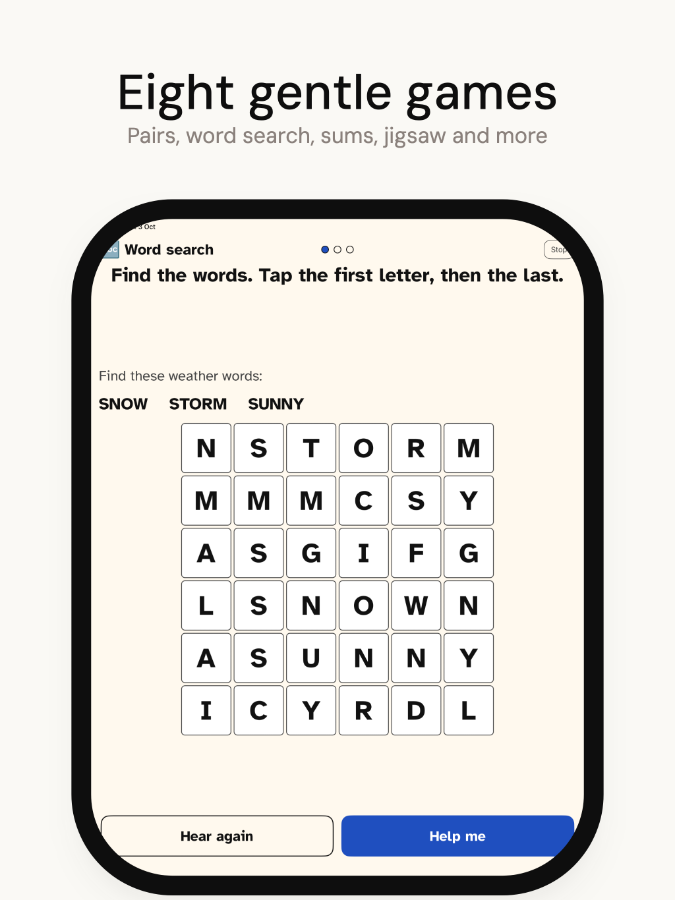
Every game explains itself aloud using text-to-speech before play begins, so the player does not need to read instructions or ask for help.
All player screens use large type and high-contrast colours throughout. There are no small menus, no fine print, and no decorative clutter.
Brightqueue works without a network connection. Once the app is installed, it does not need the internet to run a session.
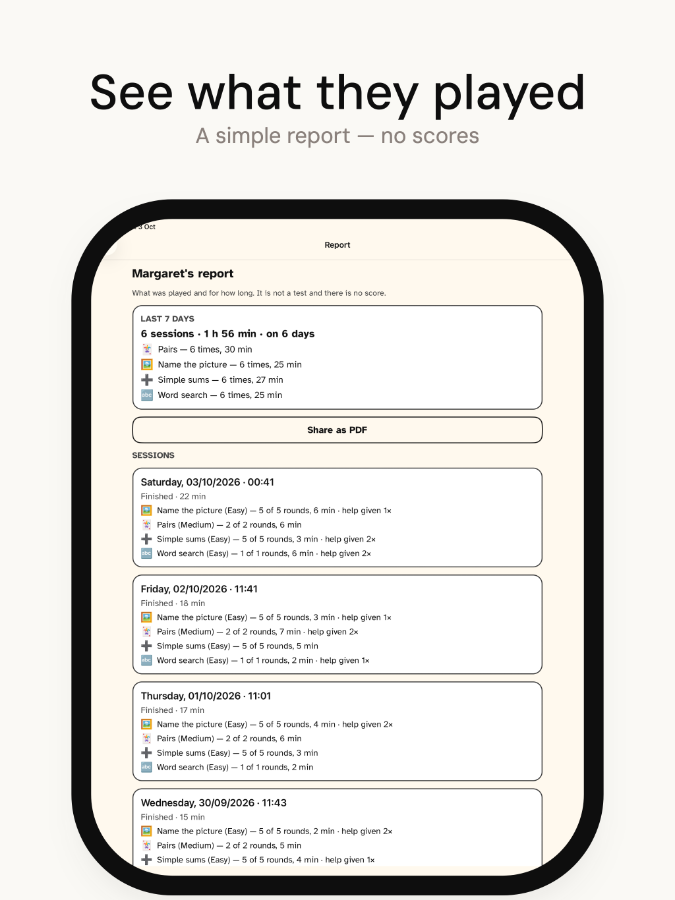
The free version includes four games and a queue of up to three. A single one-time purchase of $19.99 unlocks all eight games, an unlimited queue, multiple player profiles, session reports, and family-photo game modes.
Brightqueue supports iOS Guided Access and Android screen pinning so the player cannot leave the app by accident. The app includes a step-by-step setup guide for both platforms.
After each session the caregiver dashboard shows which games were played and how long each one lasted, so you can see what the player enjoyed and adjust the queue for next time.